配置webstorm/vscode识别@符号(路径别名)
目标效果
1.能识别资源路径,并且Ctrl+鼠标左键(或Ctrl+B)能跳转
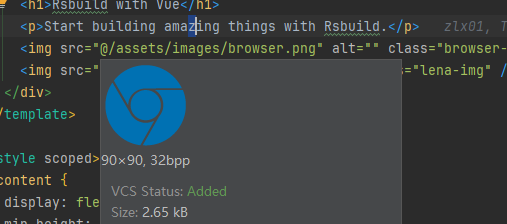
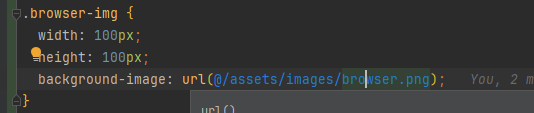
亲测vscode无法实现以上效果
2.能自动补全路径
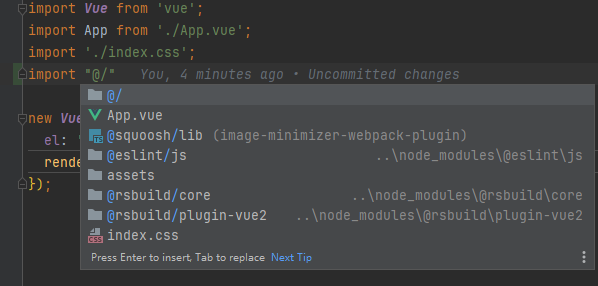
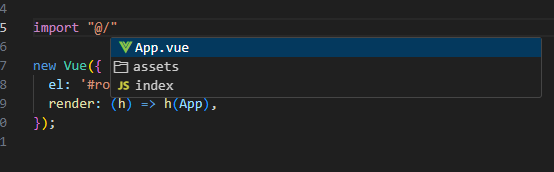
webstorm/vscode js项目配置方法
在项目根目录新增 jsconfig.json 文件
json
{
  "compilerOptions": {
    "baseUrl": "./",
    "paths": {
      "@/*": ["src/*"]
    }
  },
  "exclude": ["node_modules", "dist"]
}
webstorm js项目配置方法(webpack)
在根目录新增 webstorm.webpack.config.js 文件
js
const path = require('path');

module.exports = {
  context: path.resolve(__dirname, './'),
  resolve: {
    extensions: ['.js', '.vue'],
    alias: {
      '@': path.resolve(__dirname, './src')
    }
  }
}
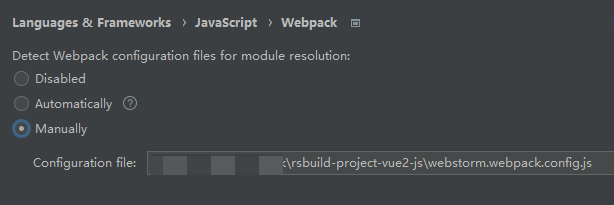
WebStorm配置