npm cli
npm init
text
npm init <package-spec> (same as `npx create-<package-spec>`)
npm init <@scope> (same as `npx <@scope>/create`)

aliases: create, innit
npm init foo->npm exec create-foonpm init @usr->npm exec @usr/createnpm init @usr/foo->npm exec @usr/create-foo
bash
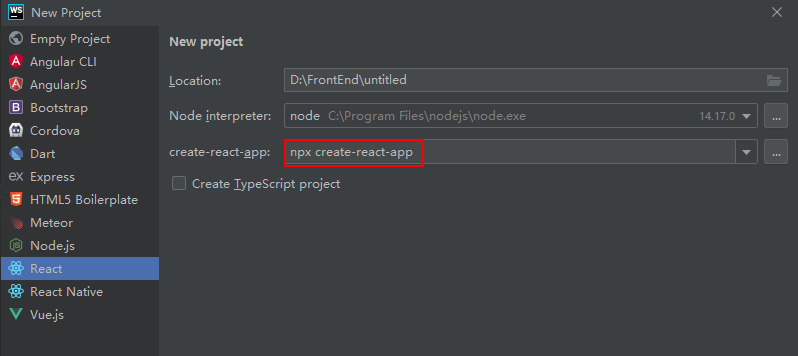
npm init react-app my-app
npm create react-app my-app
npx create-react-app my-app

npm init vite my-app
npm create vite my-app
npx create-vite my-app

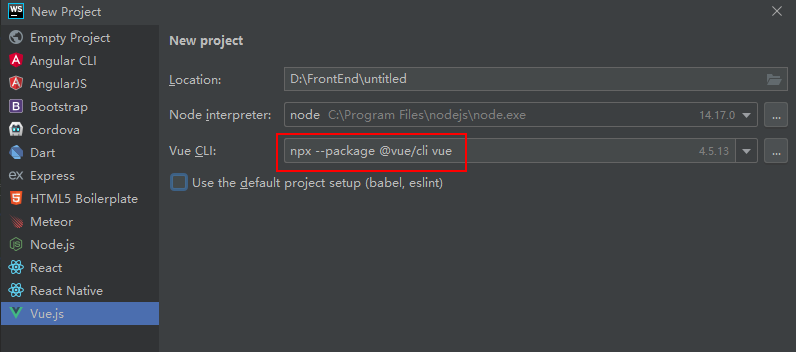
npm create vue@latest
npm config
bash
npm config set <key>=<value> [<key>=<value> ...]
npm config get [<key> [<key> ...]]
npm config delete <key> [<key> ...]
npm config list [--json]


# 设置 npm 脚本默认使用 zsh
npm config set script-shell $(which zsh)

# 验证 npm Shell 配置是否成功
npm config get script-shell

# 删除 npm 脚本 Shell 配置
npm config delete script-shell
npm adduser
Create a new user in the specified registry, and save the credentials to the .npmrc file.
npm login
bash
# log in, linking the scope to the custom registry
npm login --scope=@mycorp --registry=https://registry.mycorp.com
登录报错
npm ERR! code ENYI npm ERR! Web login not supported
解决方法
bash
npm login --auth-type=legacynpm publish
bash
# 先登录
npm login [--registry=https://registry.company-name.npme.io]

# 发布正式包
npm publish

# 发布beta包
npm publish --tag beta
npm logout
bash
# log out, removing the link and the auth token
npm logout --scope=@mycorp
npm unpublish
bash
npm unpublish [<package-spec>]npm deprecate
text
npm deprecate <package-spec> <message>npm link/unlink
bash
cd ~/projects/node-redis    # go into the package directory
npm link                    # creates global link
cd ~/projects/node-bloggy   # go into some other package directory.
npm link redis              # link-install the package
npm cache
bash
npm cache clean --forcenpx
Run a command from a local or remote npm package
调用项目安装的模板
bash
npm i -D webpack webpack-cli
npx webpack
避免全局安装模块