Getting Started
Installation
Rustup: the Rust installer and version management tool
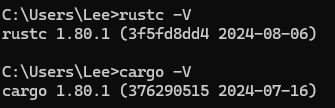
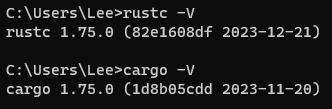
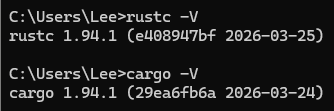
# check installation
rustc --version
cargo --version
# or
rustc -V
cargo -V

# update rust
rustup update

# uninstall rust
rustup self uninstall

# open local doc
rustup docs --book
Development Environment
- VS Code + (plugin: rust-analyzer) 👍
- RustRover (by JetBrains)
Hello World!
hello_world.rs
fn main() {
    println!("Hello, world!");
}
rustc
# compile
rustc ./hello_world.rs

# run
./hello_world

# windows
.\hello_world.exe
Package Management
Cargo: the Rust build tool and package manager
cargo --version

cargo new hello_cargo
# init without git
cargo new hello_cargo --vcs none

# build in debug mode
cargo build

# build and run
cargo run

# test your code
cargo test

# checks your code to catch errors without producing an executable binary
cargo check

# build in release mode(for production)
cargo build --release

# update the dependencies to the latest versions allowed by cargo.toml
cargo update

# build documentation for your project
cargo doc --open

# publish a library to crates.io
cargo publish
- cargo doc: https://doc.rust-lang.org/cargo/
- official crate registry:https://crates.io/
- configuration file:
Cargo.toml, just likepackage.json - version control:
Cargo.lock, just likepackage-lock.json - Semantic Versioning: https://semver.org/