Docker Images Explore
scratch
an explicitly empty image, especially for building images "FROM scratch"
You can use Docker’s reserved, minimal image, scratch, as a starting point for building containers. Using the scratch “image” signals to the build process that you want the next command in the Dockerfile to be the first filesystem layer in your image.
While scratch appears in Docker’s repository on the hub, you can’t pull it, run it, or tag any image with the name scratch. Instead, you can refer to it in your Dockerfile. For example, to create a minimal container using scratch:
A base image has no parent image specified in its Dockerfile. It is created using a Dockerfile with the FROM scratch directive.

hello-world
FROM scratch
COPY hello /
CMD ["/hello"]
alpine
A minimal Docker image based on Alpine Linux with a complete package index and only 5 MB in size!
FROM scratch
ADD alpine-minirootfs-20221110-x86_64.tar.gz /
CMD ["/bin/sh"]
minirootfs
ubuntu
FROM scratch
ADD ubuntu-bionic-oci-amd64-root.tar.gz /
CMD ["bash"]
centos
FROM scratch
ADD centos-7-x86_64-docker.tar.xz /

LABEL xxxxxx

CMD ["/bin/bash"]
busybox
FROM scratch
ADD busybox.tar.xz /
CMD ["sh"]# 用完就删
docker run -it --rm busyboxhttpd
Apache HTTP Server
# 后台运行
docker run -d -p 80:80 httpd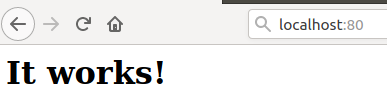
tomcat
docker run -d -p 8080:8080 tomcat

docker exec -it tomcat容器ID bash

cd webapps.dist
cp -r . ../webapps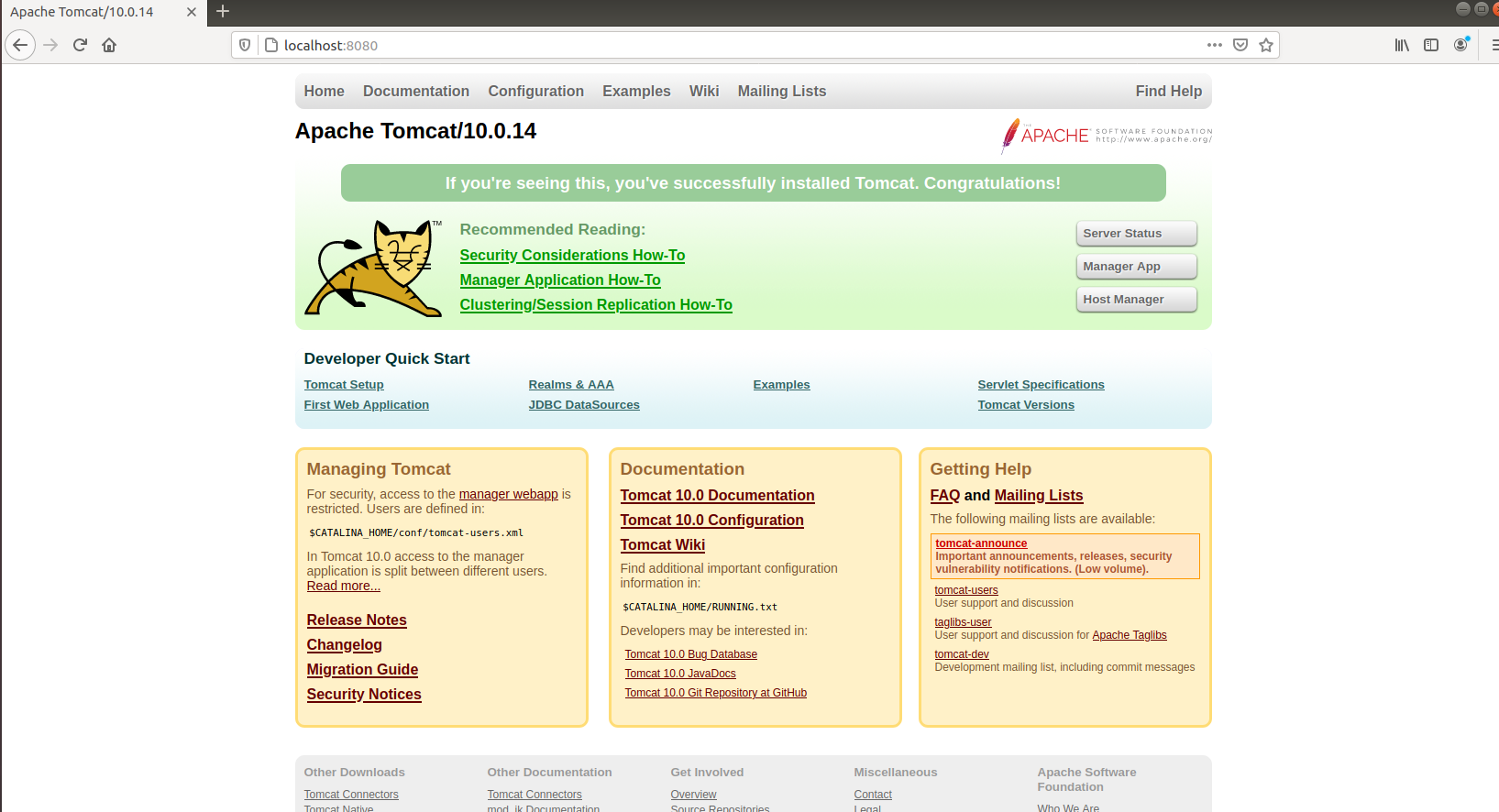
nginx
docker run -d -p 80:80 nginx
docker
docker in docker!